Some links in this article are affiliate links. If you buy or book through them, Public Yapper may earn a small commission at no extra cost to you.
A new laptop is the perfect excuse for a clean software setup, but the moment you try to buy a software licence in the UK online, you meet a wall of prices, device counts and the odd deal that looks too good to be true. I looked through the product pages and policies at SoftZone, a European online store selling downloadable licences, and pulled together five essentials plus the checks I would make before paying.
What SoftZone actually sells
SoftZone is not a Windows or Microsoft Office shop. Its range is security and utility software: antivirus and internet security suites, VPNs, backup, PDF and OCR tools, and PC cleaners, from brands including Kaspersky, Norton, Bitdefender, Acronis, ABBYY and CCleaner. Prices are shown in euros. The site lists a store address in Fuerteventura, Spain.
Licence types: how to buy a software licence in the UK without confusion
If your new laptop came with Windows, that licence was supplied with the machine. Microsoft’s licensing guidance says buying a PC with Windows and Office preinstalled is the most cost-effective route, and that Windows volume licences are for upgrades only and need a qualifying full operating system. In other words, a cheap “volume” key is not a substitute for a full licence on a bare machine.
The security and utility products below work differently. They are subscription licences tied to a number of devices and a term, usually one or three years. The SoftZone product pages say the licence “begins its period of validity when the client uses it for the first time”. However, the store’s terms and conditions say ESD (electronic download) licences start their 360 or 365 days from the day you download them and must be activated within five days. Read both before you buy, and plan to install straight away.
1. A security suite
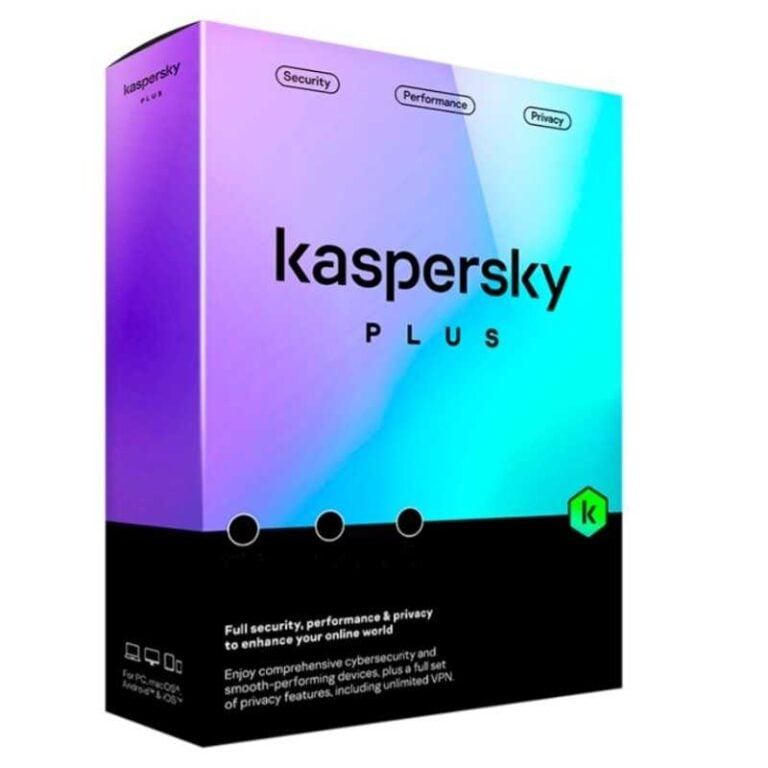
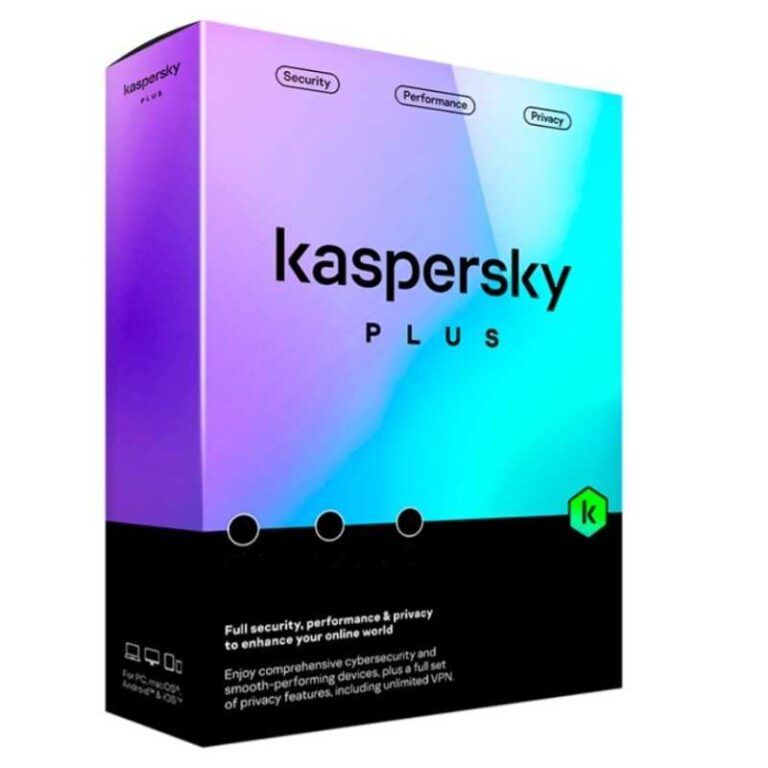
Kaspersky Plus made my list because one licence covers a lot. The product page lists real-time antivirus, a two-way firewall, anti-ransomware tools, a password manager, an unlimited VPN and backup and restore, on Windows, macOS, Android and iOS. The drawback is overlap: if you buy a suite like this, check its feature list before paying again for a separate VPN or password manager.
2. A VPN for public Wi-Fi
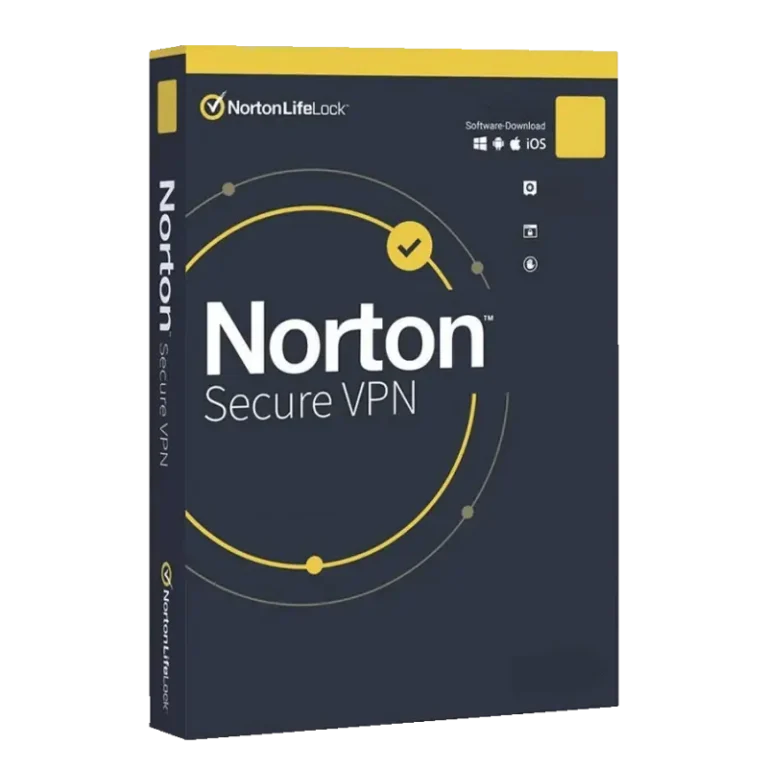
Norton VPN is the simplest option I found for anyone who works from cafés and trains. The page lists encryption on public Wi-Fi, blocking of ad tracking and apps for Windows, Mac, Android and iOS. The drawback: the licence I looked at covers a single device, so a laptop and a phone means two licences or a bigger plan.
4. PDF editing and OCR
ABBYY FineReader Standard PDF 16 is worth a look if you deal with scanned letters, forms or contracts. The page lists PDF editing, fillable forms, signing, document comparison and OCR for scans, and says it is compatible with Windows 10 and Windows 11. The drawback is cost: it is the most expensive item here, and there is a separate Mac version.
5. A clean-up and updater tool
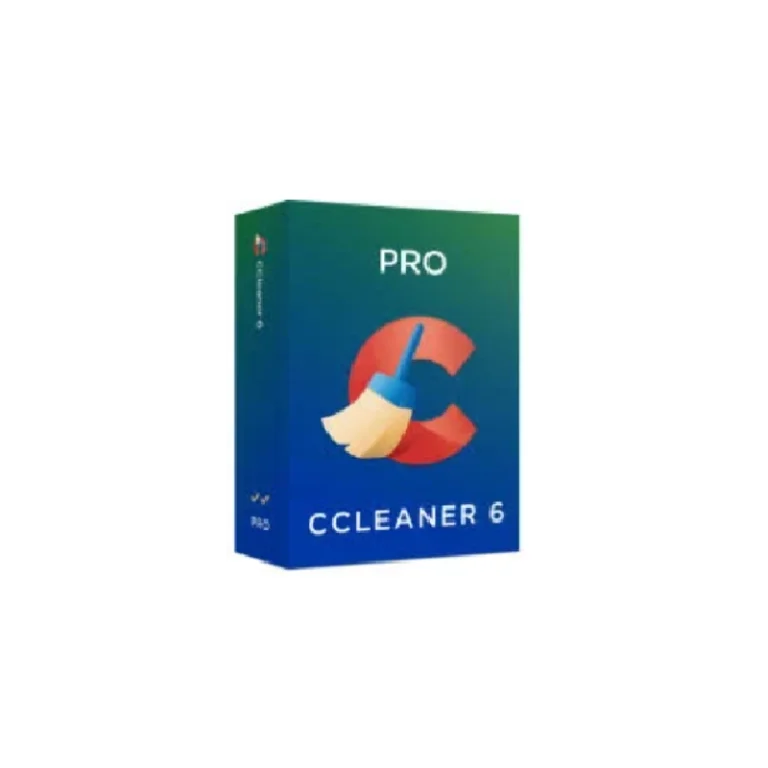
CCleaner Professional lists a performance optimiser, driver updater, software updater, scheduled cleaning and priority support. What stood out is the software updater, since outdated apps are a common security gap. The drawback: a brand-new laptop rarely needs cleaning, so this is one to add after a few months rather than on day one.
Delivery, activation and refunds at SoftZone
According to the shipping page, the licence and instructions are uploaded to your order details, normally in less than 20 minutes, or around three hours at weekends and on holidays. The licence is saved in your account, but SoftZone says it may delete activation codes 15 days after you download them, so copy yours somewhere safe.
The returns terms are blunt: once the licence is received, it cannot be changed or returned. For help, the technical support form requires you to log in, and the terms say problems after registration go to the software publisher.
How to check your licence is genuine
- Activate in the publisher’s own app or account, not a third-party tool.
- For Norton, sign in at my.norton.com and open My Subscriptions, as described in Norton’s support guide, to see the status and licences in use.
- For Kaspersky, open the Subscriptions tab in My Kaspersky and select your subscription, following Kaspersky’s instructions.
- Check that the term and device count shown match what you paid for.
- For Microsoft products, follow Microsoft’s safer shopping tips: if the price looks too good to be true, it probably is, and Microsoft does not distribute product keys as standalone products.
The honest drawbacks
- No returns once the licence is delivered, so a wrong device count or platform is your problem.
- The tight activation window means you should only buy when you are ready to install.
- Prices are in euros, so your card provider may add a foreign transaction fee.
- Support for the software itself comes from the publisher, not the store.
- I could not find a company legal name on the terms page, only the store brand and address.
Good to know
- Price range: from €5.65 to €92.75 for the products above. Prices and availability may change.
- Where to buy: softzone.eu.
- Delivery: digital, uploaded to your account order details.
- Returns: not possible once the licence is received.
My practical takeaway: start with one security suite and check what it already includes, add backup straight away, and leave the extras until you know you need them. Buy each licence when you are ready to activate it, and screenshot the code the moment it lands.








 Jordan Reeves