


If you edit video regularly, whether for YouTube, client work, internal comms, or social advertising, the real differentiator is not a single “killer feature,” but how smoothly a toolset supports your end-to-end workflow: ingest, rough cut, finishing, audio polish, delivery, and iteration. That is the value proposition behind VEGAS Creative Software : a suite-oriented approach anchored by VEGAS Pro for editing, complemented by specialized audio and music-production applications.
Unlike editors that split core tasks into separate modes or modules, VEGAS Pro is positioned around a single, continuous timeline experience. In practice, this matters most when you are moving fast, stacking cuts, adding effects, revising story beats, and exporting multiple versions. For creators who publish frequently, shaving friction off the “small steps” adds up quickly.
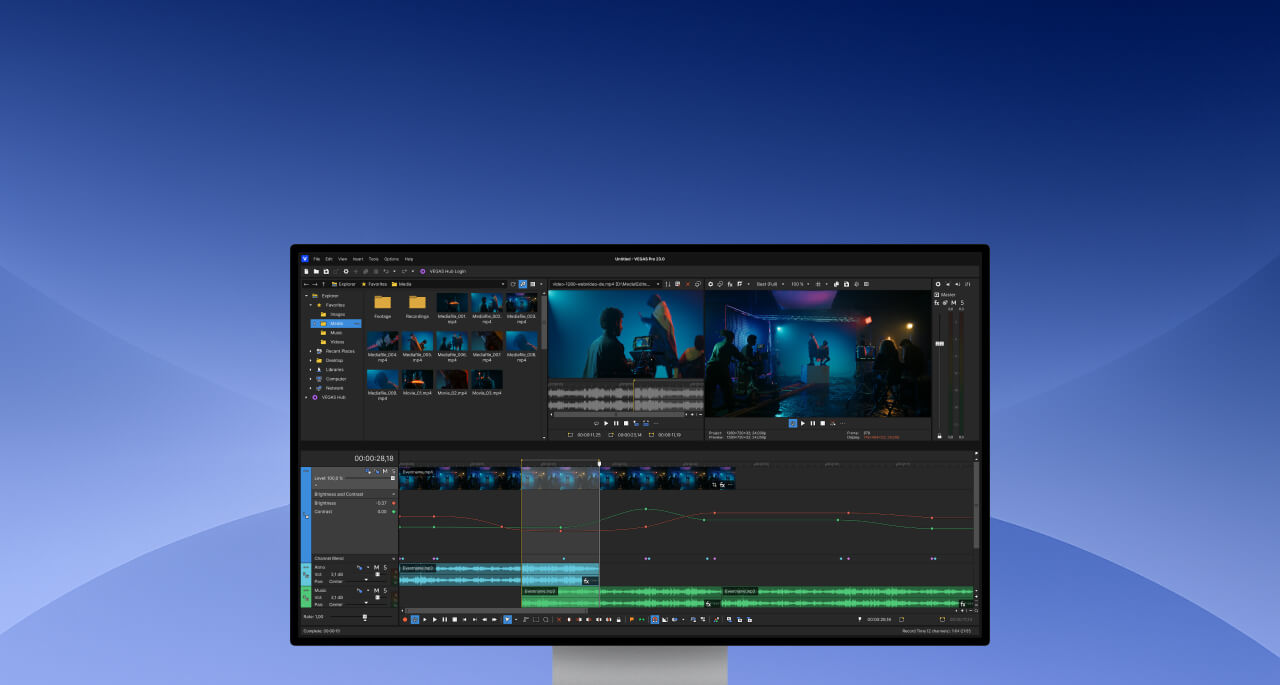
Editing in VEGAS Pro is designed around a streamlined timeline workflow and fast iteration.
What to Look for in a Modern Editing Platform
Before you choose an editor, it helps to align the software to your most common deliverables. Short-form creators prioritize speed: rapid trimming, auto-captioning, reframing for vertical platforms, and template-like reuse of effects. Commercial editors often care about stability under heavy media, accurate colour handling, and a repeatable export pipeline. Audio-heavy projects demand clean integration with dedicated audio tools to remove noise, repair dialogue, and mix quickly.
The broader ecosystem from VEGAS Creative Software is structured to serve all three of those profiles by pairing the core editor with purpose-built audio and music software. In other words: edit in VEGAS Pro, then reach for specialised tools when the project demands it.
How the VEGAS “Suite” Concept Helps Real Work
Many editors can cut video. The question is what happens next. Once you are past the rough cut, the finishing phase is where time tends to disappear: fixing imperfect production audio, balancing loudness, creating a soundtrack bed, and ensuring the final export matches the platform’s specs. Suite-based workflows can reduce this cost if the integrations are tight and the tools are predictable.
On the VEGAS Pro product pages, the vendor highlights add-ons and companion applications bundled into “suite” offerings, an approach designed to keep post-production tasks close to the editing timeline rather than forcing you into a patchwork of unrelated apps. For a small team or solo creator, that bundling can be a cost-effective way to cover more production needs with fewer purchases and fewer compatibility headaches.
Product Spotlight: Key Tools and What They’re For
Below are core products associated with the ecosystem. Each is presented with an image pulled from the vendor’s site and a practical “best for” framing so you can map tools to outcomes rather than marketing labels.
VEGAS Pro
Best for editors who want a fast, timeline-first workflow for YouTube, social ads, documentaries, and client deliverables. If your day involves lots of trimming, layering, and exporting multiple versions, this is the anchor product.

VEGAS Pro Suite
Best for creators who need an integrated production bundle: editing plus companion applications for audio, music creation, and additional creative assets. Useful when you want a more complete toolset without assembling separate purchases.
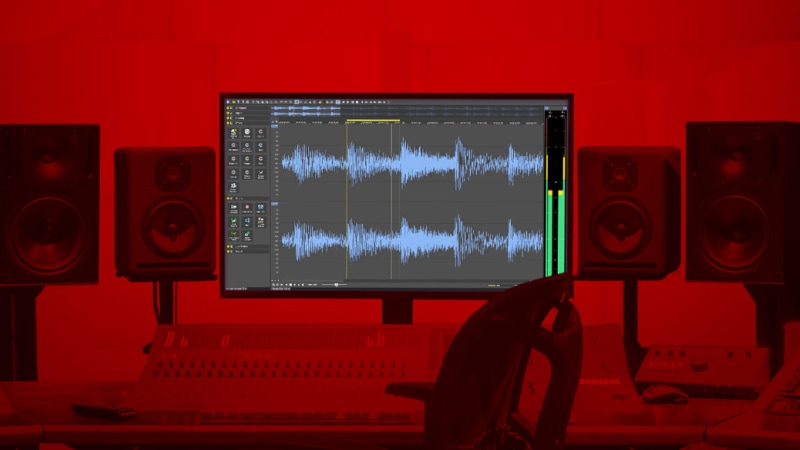
SOUND FORGE Pro
Best for detailed audio repair and polishing. Think: removing noise, repairing clicks, tightening dialogue, and preparing final mixes. If you do voiceover or interview-heavy edits, dedicated audio tools can save substantial time.
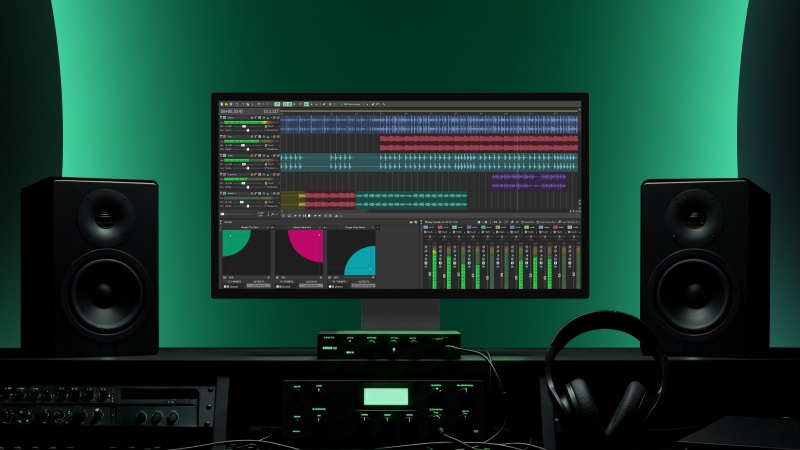
ACID Pro
Best for loop-based music creation and building custom soundtrack beds quickly. For creators who want original music without composing from scratch, loop workflows can be a practical middle ground.
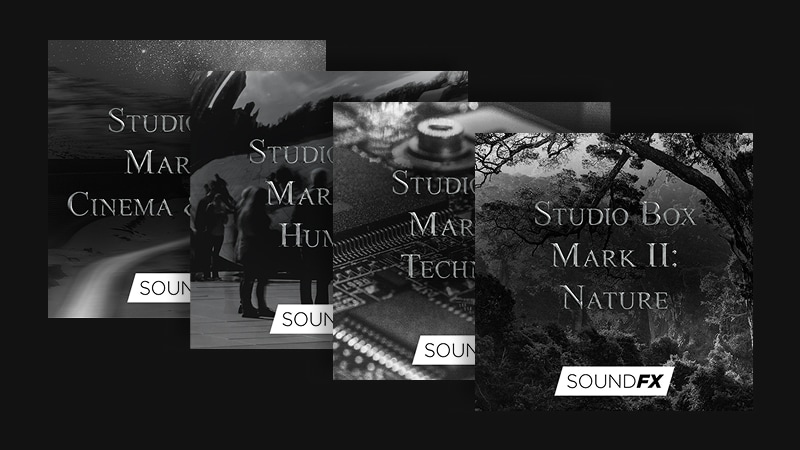
Studio Box Mk II
Best for editors who need ready-to-use audio atmospheres, textures, and sound effects to enhance pacing and production value, especially when your raw footage is clean but “too quiet” to feel cinematic.
How to Choose the Right Package
A simple way to select the right starting point is to decide whether you are primarily an editor or a producer-editor. If your work is mostly cutting, colour, basic finishing, and delivery, VEGAS Pro alone may cover the majority of your needs. If you frequently deliver projects that require meaningful audio restoration, soundtrack construction, or repeatable “brand sound,” a suite approach can be more efficient because it reduces the need to juggle third-party tools.
Also consider your cadence. High-frequency publishing tends to reward workflows with fewer context switches, because the cumulative cost of “opening another app,” “re-exporting,” or “reconforming audio” can become material over time. The ecosystem model from VEGAS Creative Software is designed to keep those steps close to the edit rather than treating them as separate projects.
Final Take
Editing software decisions are rarely about a single headline feature,they are about reducing friction across repeated, real-world deliverables. If you want a timeline, first editor supported by purpose, built audio and music tools, the product family from VEGAS Creative Software is structured around exactly that: edit in VEGAS Pro, then scale into more specialised production capabilities when your projects demand it.